

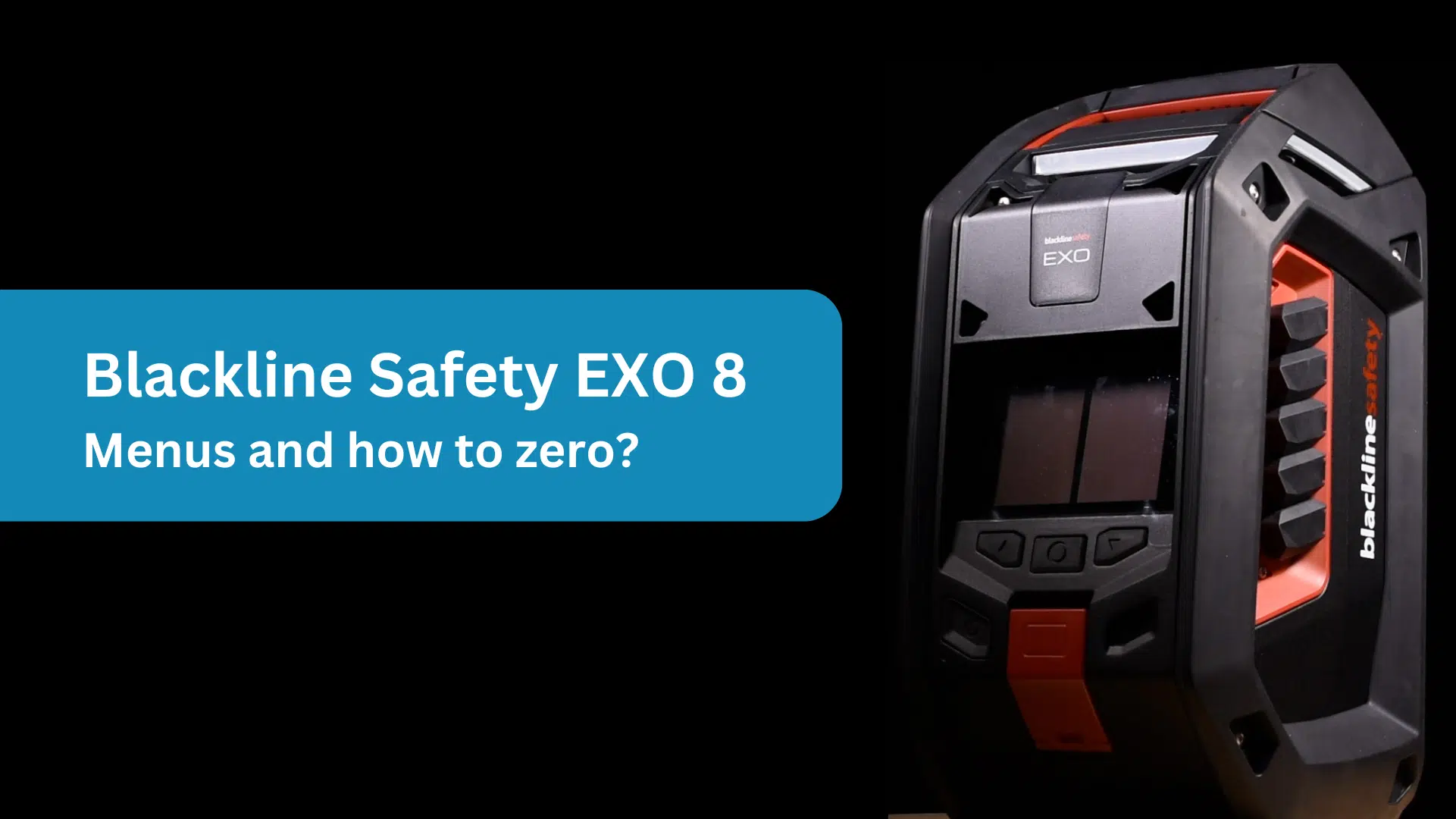
Blackline Safety EXO 8 area monitor – Introduction
This video shows you how to use the menu and zero the sensors on the Blackline Safety EXO 8.
We also have other videos available, including a “what you need to know” overview of its key features and benefits, as well as an ‘unboxing‘ video.
Controls and Key Features
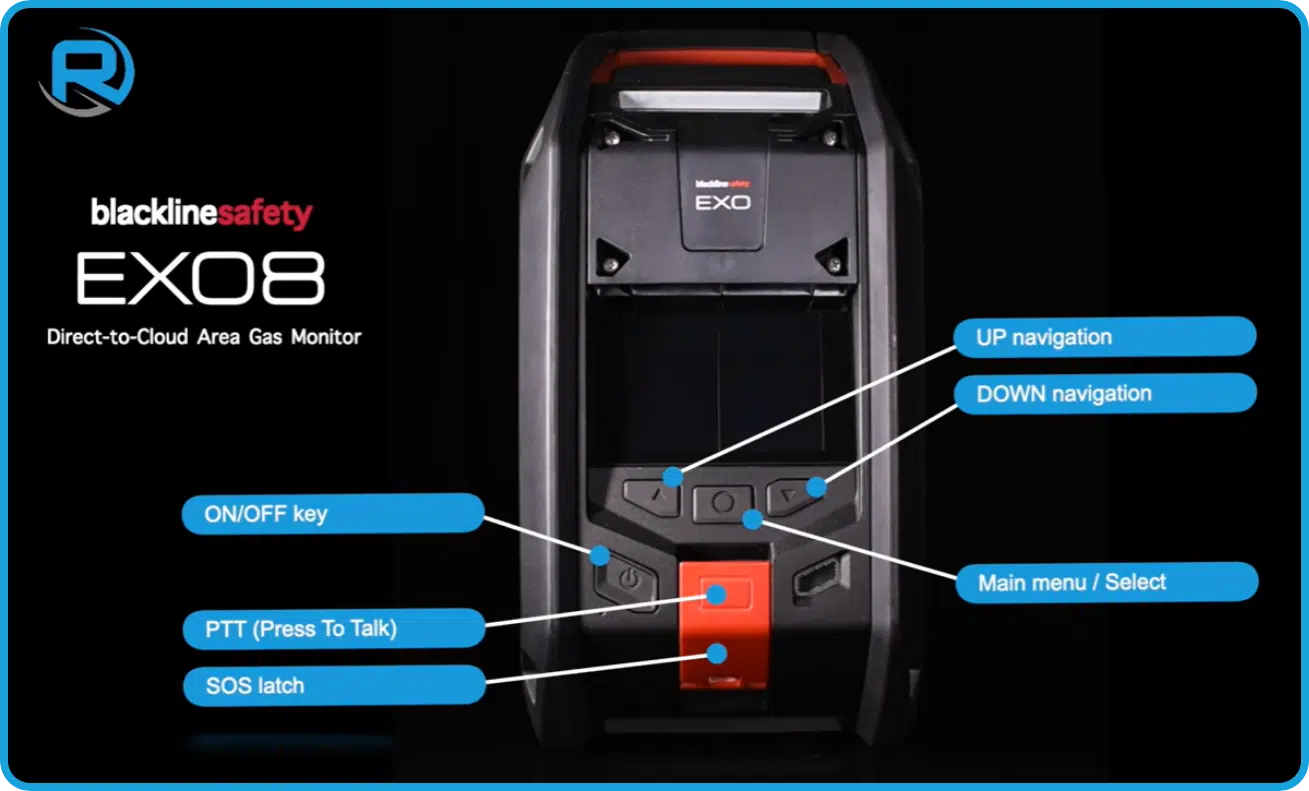
The on/off button is recessed to help prevent accidental activation. There’s also an SOS latch. When pulled down, it puts the device into an alarm state.
The same control includes push-to-talk (PTT) functionality, allowing you to send short voice messages to other connected devices.
The menu is simple to navigate, using up, down, and select buttons. One thing to note: if the device is already in an alarm state, pressing the up and down buttons at the same time will mute the audible alarm.
Switching the device on
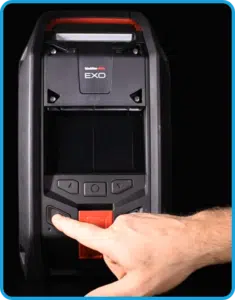
To turn the device on, press the on/off button.
After a few seconds, it will power up and run a self-test. This includes connecting to a mobile network or satellite. During startup, the screen displays the status of key features and alarm levels.
This process takes about a minute and is a good opportunity to check that everything is set correctly. On screen prompts will guide you through any required actions.
Zeroing the sensors
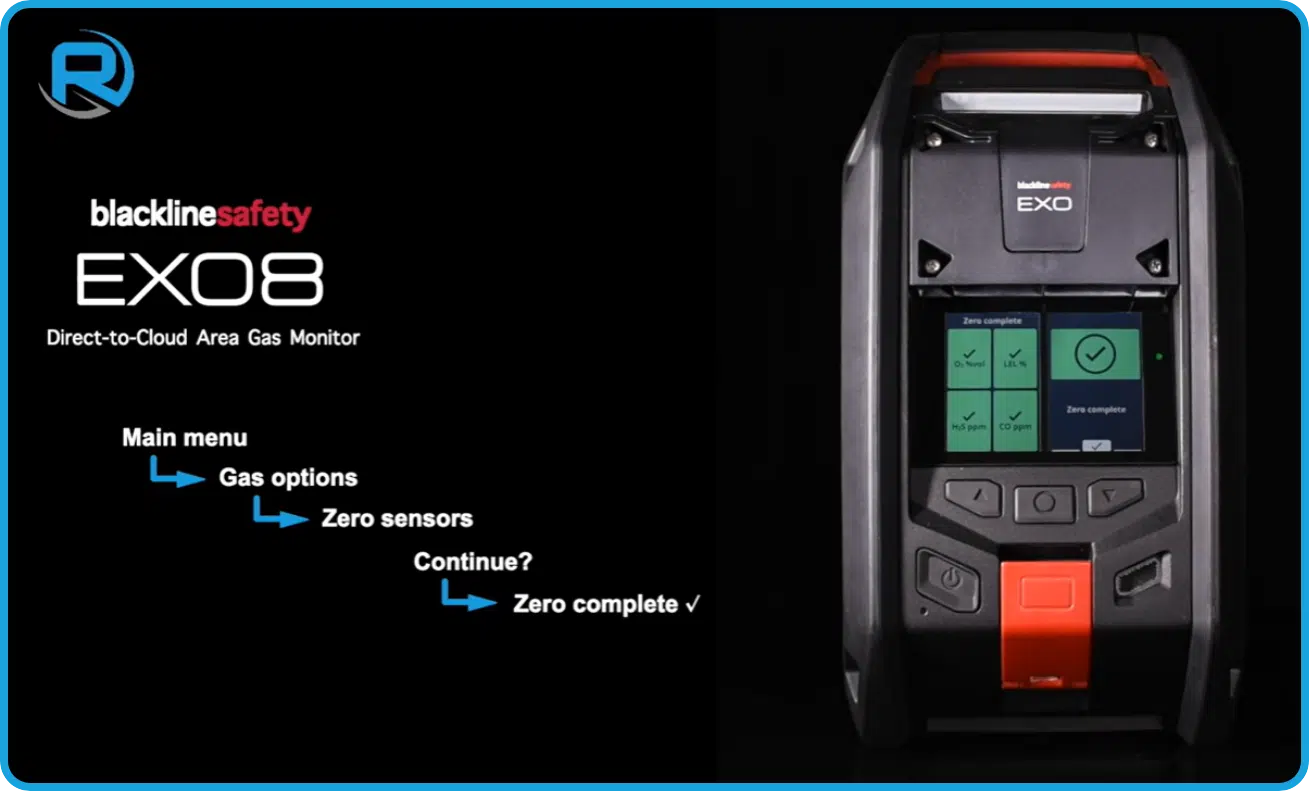
To zero the sensors in clean air:
- Press Select to open the menu
- Go to Gas Options
- Select Zero Sensors
- Confirm that you want to proceed
Once complete, the device will display the sensor status. Press Select to confirm and return to the menu, then go back to the main screen.
Blackline Safety EXO 8 Area Monitor
This powerful area monitor can detect up to eight different gases simultaneously, offering broad coverage and better protection. It also has enhanced radiation detection capabilities, surpassing the sensitivity of many other monitors on the market. By providing early warnings, it gives teams valuable time to take action before a situation escalates.
Despite its advanced capabilities, the EXO 8 is remarkably easy to use. It features two clear display screens that show all important information at a glance, and its tough, weather resistant housing ensures it can withstand even the harshest conditions. For more information, click here: Blackline EXO 8 Area Monitor | Rockall Safety
